
Turn screenshots and ideas into calendar events.
Share a screenshot from Messages or type a quick note. Verbi extracts the date, time, and location so you can save it before life gets busy.
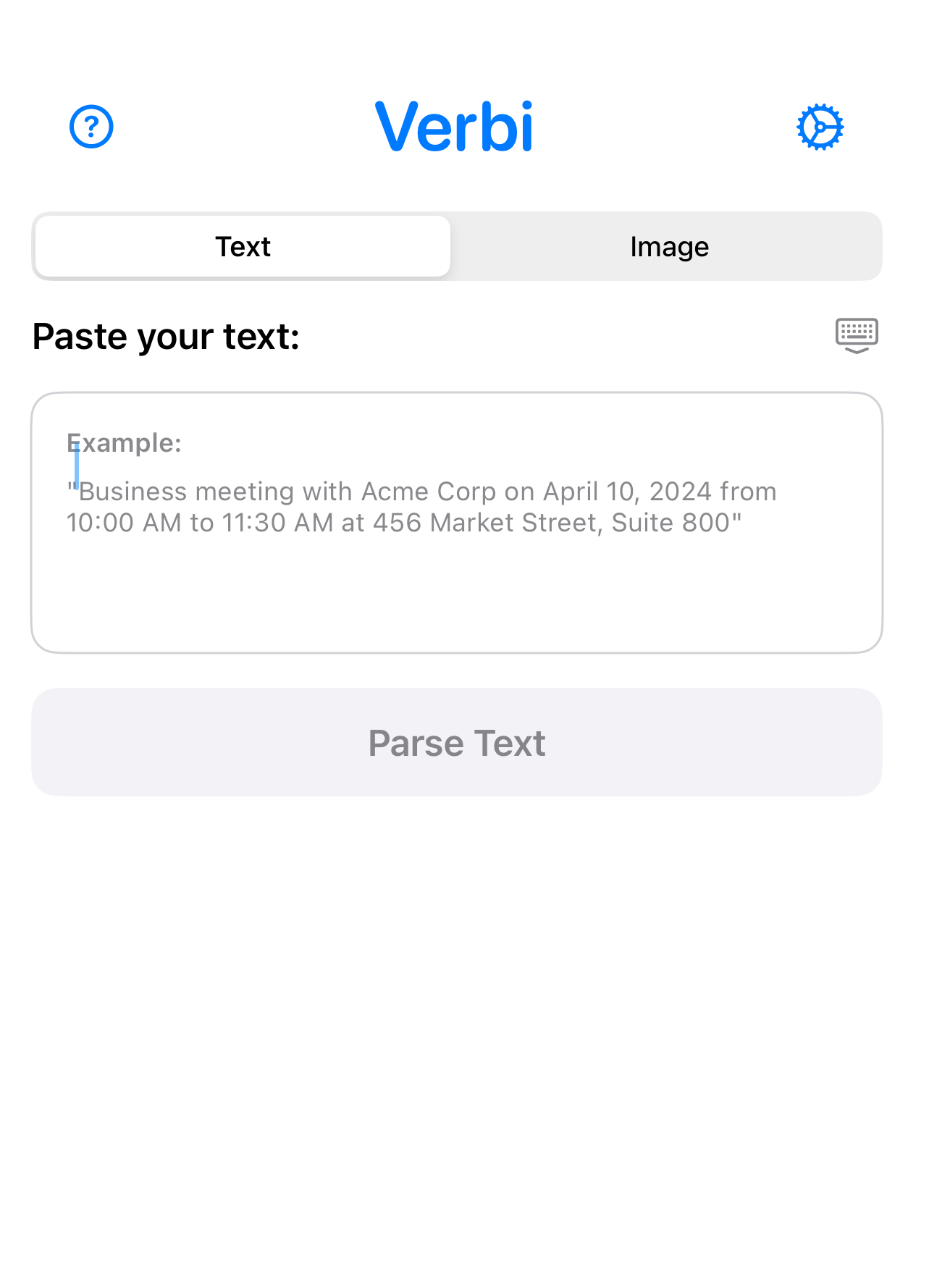
Screenshot to calendar
Grab the message, flyer, or invite. Share it to Verbi and let Verbi pull the details.
Typed idea to calendar
Type what is in your head. Verbi understands natural language and creates the event.
How it works
Three steps, then it is in your calendar.
Switch between inputs
Toggle between a screenshot and a typed idea to see how fast the event appears.
"Can you make it to the school meeting tonight at 8 pm? It is in the main hall."
A safety net for plans
If you are juggling work, family, and everything else, Verbi keeps the important details from slipping through.
Built for real messages
Verbi handles appointments, meetings, reminders, and the details buried in message threads.
Never forget the plans again.
One tap from your screenshot to your calendar.
Download on the App Store